Kindle Colorsoft Review
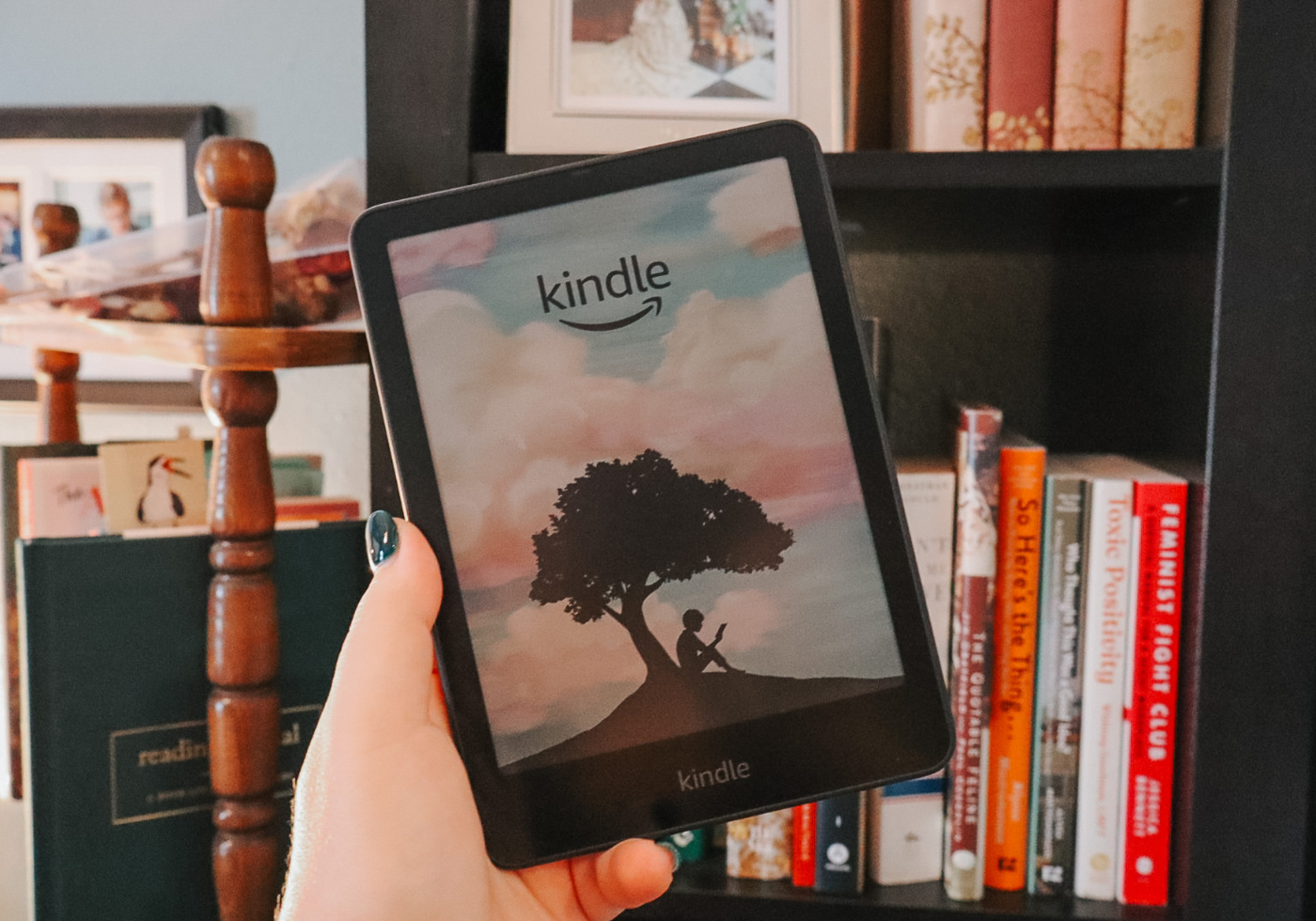
No matter how much I love physical books, you can’t beat the convenience of a great e-reader, and the Kindle Colorsoft Signature Edition is really the best e-reader out there. Whether you’ve been considering investing in a top-tier e-reader, or you’re already a Kindle lover, this guide is for you. For the voracious reader, whether on-the-go or at home, this Kindle Colorsoft review covers just what convinced me to upgrade from my Kindle Paperwhite, the benefits of the color e-reader display, and more.
Amazon Kindle Colorsoft Review Overview
- Features That Will Make You Fall in Love with the Kindle Colorsoft
- Amazon Kindle Comparison: Colorsoft vs. Paperwhite
- Why Choose a Color Kindle? (And Who It’s For)
- Kindle Unlimited & Colorsoft: A Reader's Perfect Match
- Recommended Kindle Colorsoft Accessories
- Final Thoughts: Is the Kindle Colorsoft Worth It?
Love thoughtful book recommendations, reader-friendly tech reviews, and little luxuries that make life feel more special? Sign up for the Cats & Coffee newsletter to get all of that, plus a free printable reading tracker to help you stay inspired and organized.
Sign up here & grab your freebie!
Shop the Amazon Kindle Colorsoft
5 Features That Will Make You Fall in Love with the Kindle Colorsoft
Kindle Colorsoft at a Glance
There are a handful of key features that make the Amazon Kindle Colorsoft particularly appealing to book lovers and readers. From an improved display to adaptable screen lighting, this e-reader is even easier on the eyes than previous models. Here are five features in particular that will make you fall in love with the Kindle Colorsoft:
- A robust color display (including multicolor highlighting abilities),
- An incredibly long battery life,
- Adaptable screen lighting,
- A waterproof design, and
- More nuanced color (warm vs. cool) and lighting settings than previous models.
Kindle Colorsoft Details & Specs
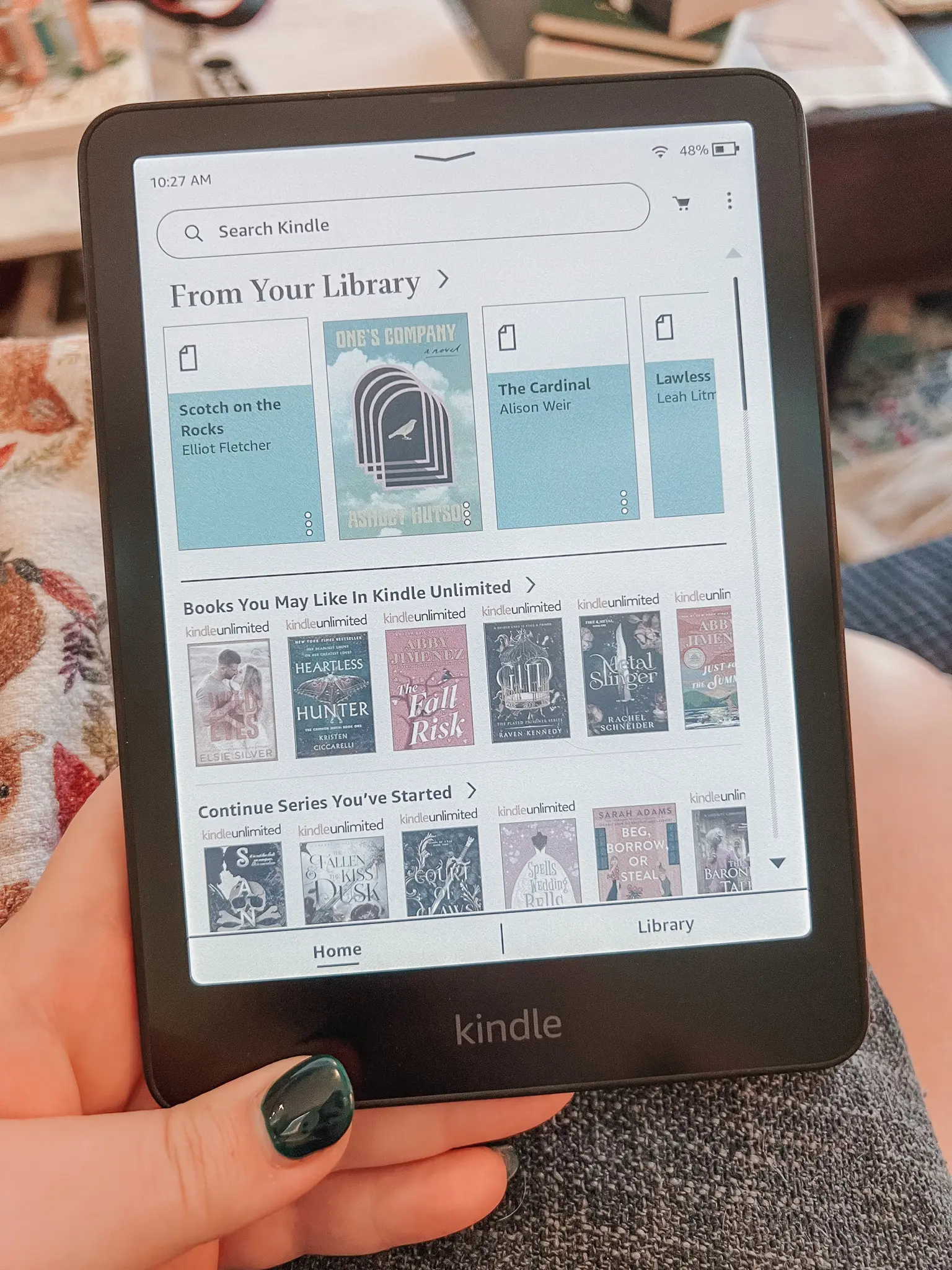
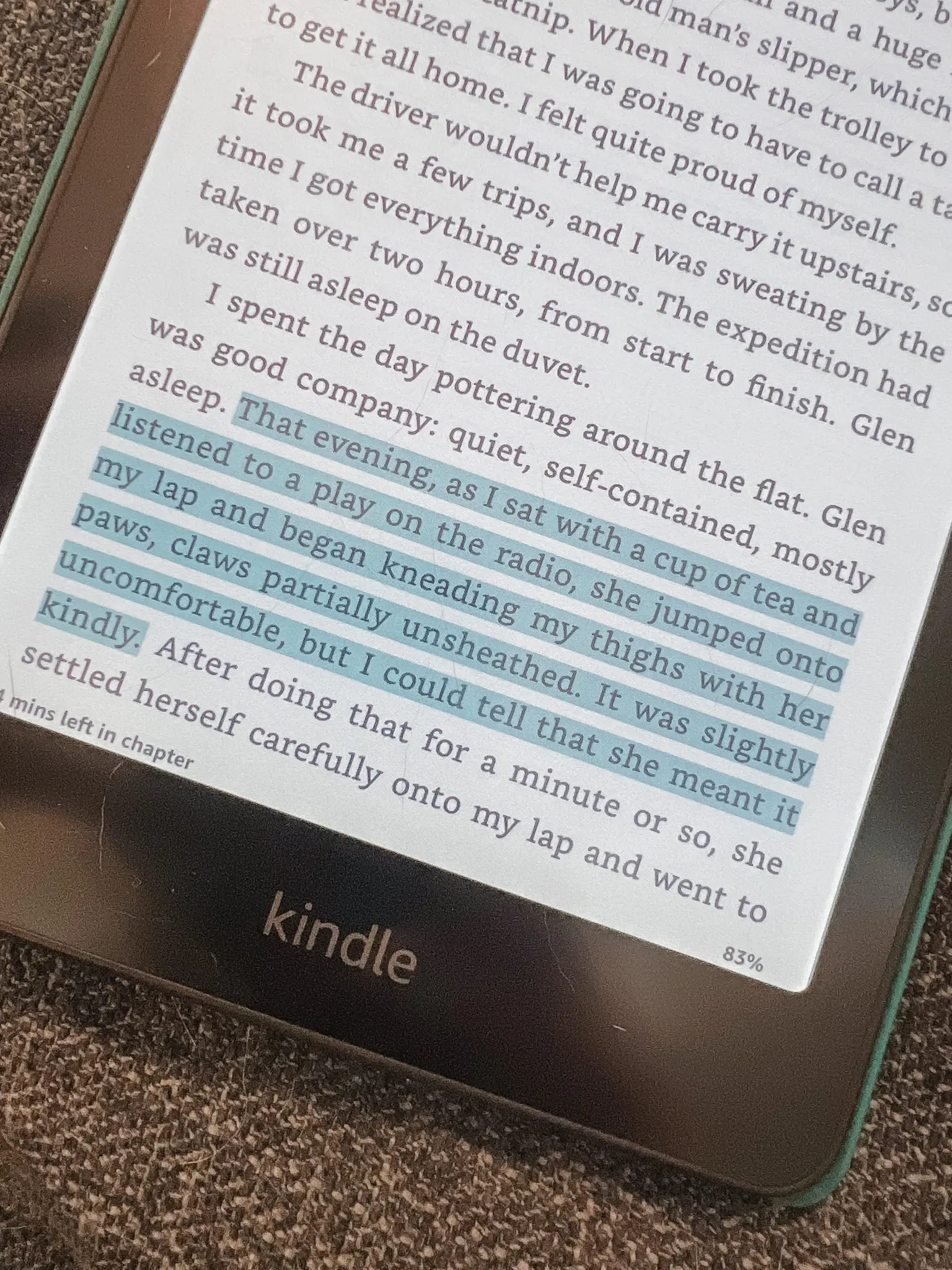
With a 7 inch display, the Colorsoft Kindle has a high-contrast screen that is easy on the eyes and glare-free. You can highlight in different colors (great for kindle girlies who like to annotate and analyze their favorite reads!) and enjoy magazines, graphic novels, and books with photos like they were meant to be enjoyed.
Like the Kindle Paperwhite, this model has a great battery life, tons of storage, and is super lightweight (7.7 oz), making it ideal for travel.
From empty, the Kindle Colorsoft takes less than 2.5 hours to fully charge, and a charge will last up to eight weeks (assuming a half hour of reading a day with the wireless setting turned off and light setting at or below 13). It can hold thousands of books at a time with 32 GB of storage.
Anecdotally, I find the Colorsoft interface to be faster and smoother than the Paperwhite. Books also seem to download faster.
Dedicated Kids Kindle Profile
You can also make a dedicated Amazon Kindle Kids profile on the Colorsoft, so kids can enjoy the color features of this model while having parental controls in place.
Amazon Kindle Comparison: Colorsoft vs. Paperwhite
What is the difference between Kindle Paperwhite and Colorsoft? There are a few key differences to consider between these e-readers.
The biggest difference is, obviously, the color display for the Colorsoft.
Besides the color display, the Kindle Colorsoft is very similar to the Kindle Paperwhite Signature Edition — both have wireless charging, 32 GB of storage, auto-adjusting light sensing, for example. The regular Kindle Paperwhite is definitely a step down from both of these Signature models, with less storage, wired charging only, and no auto-adjusting light sensing.
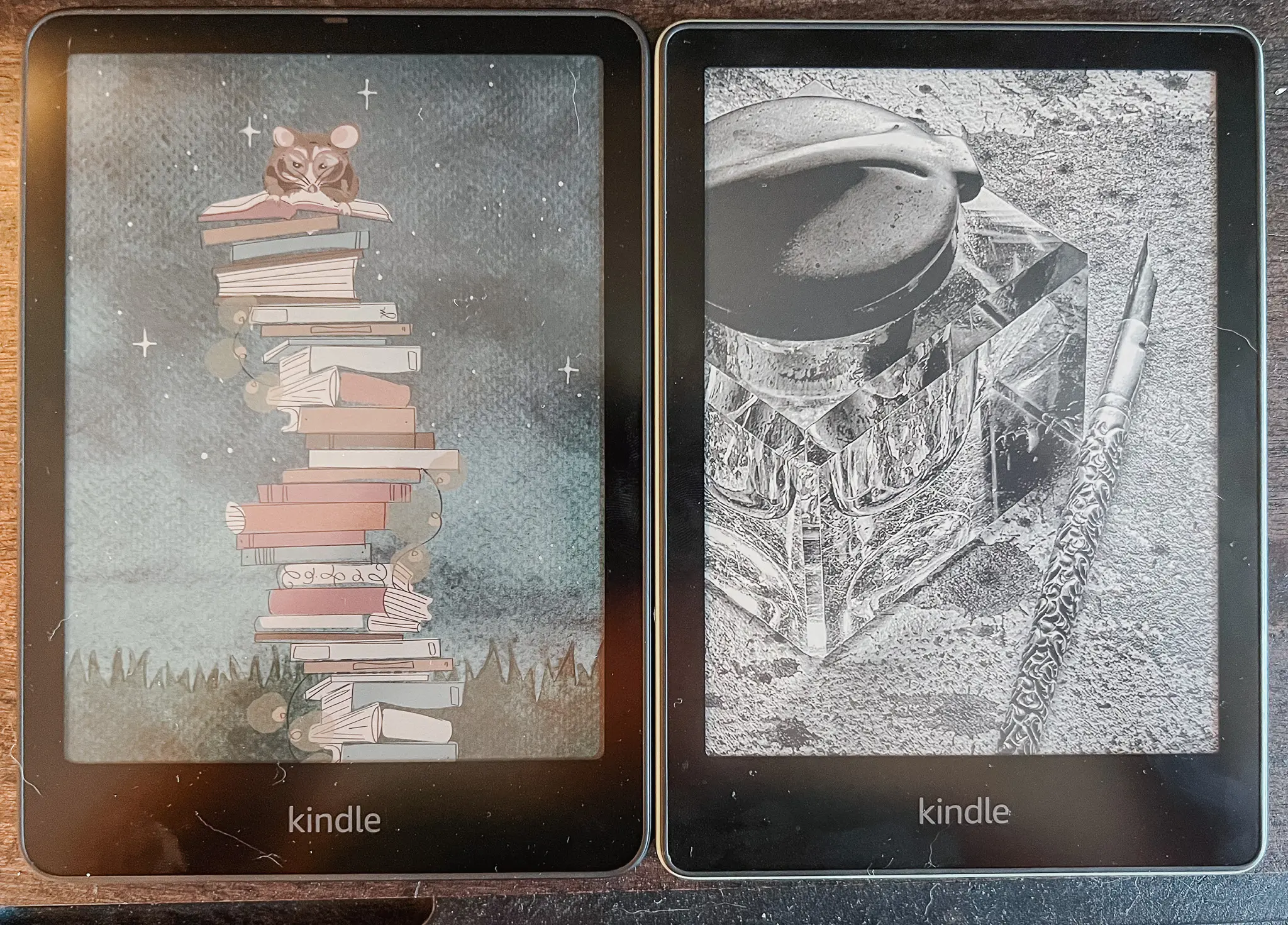
The Kindle Colorsoft is ever so slightly larger than the Paperwhites (the case I had for my Paperwhite Signature just barely did not fit on the new model). The Colorsoft has more storage than the regular Paperwhite (16 GB), though the Paperwhite Signature has 32 GB as well.
While you can opt for the ad free option for the Paperwhite models, the Colorsoft does not have ads, by default.
Both offer the option of a Kindle Unlimited trial, which I recommend taking advantage of. I love Kindle Unlimited — their library is huge and ever-updating with a great mix of indie reads and best sellers. Learn more about Kindle Unlimited and how to get the most out of the subscription here!
The one thing the Paperwhite has that the Colorsoft does not is a proper “dark mode.” Instead of dark mode, the Colorsoft has a “page color” feature that inverts the typically black text and white background. In practice, it’s basically the same thing as a dark mode, but it’s designed to so that images are still displayed properly.
Below, you can see the Colorsoft on the left is ever so slightly larger than the Paperwhite Signature on the right:
Curious about the Kindle Paperwhite?
Check out my review of the Paperwhite e-reader here!
Shop Color Kindle Essentials
Why Choose a Color Kindle? (And Who It’s For)
Still wondering: “what is the point of a color Kindle?”
Totally fair. Many readers will be perfectly happy with the Kindle Paperwhite, which is a bit cheaper.
The color display of the Amazon Kindle Colorsoft is a little luxury for readers, I would argue. It’s a nice bonus for readers who use their Kindles all the time and want the best experience they can get out of their e-reader.
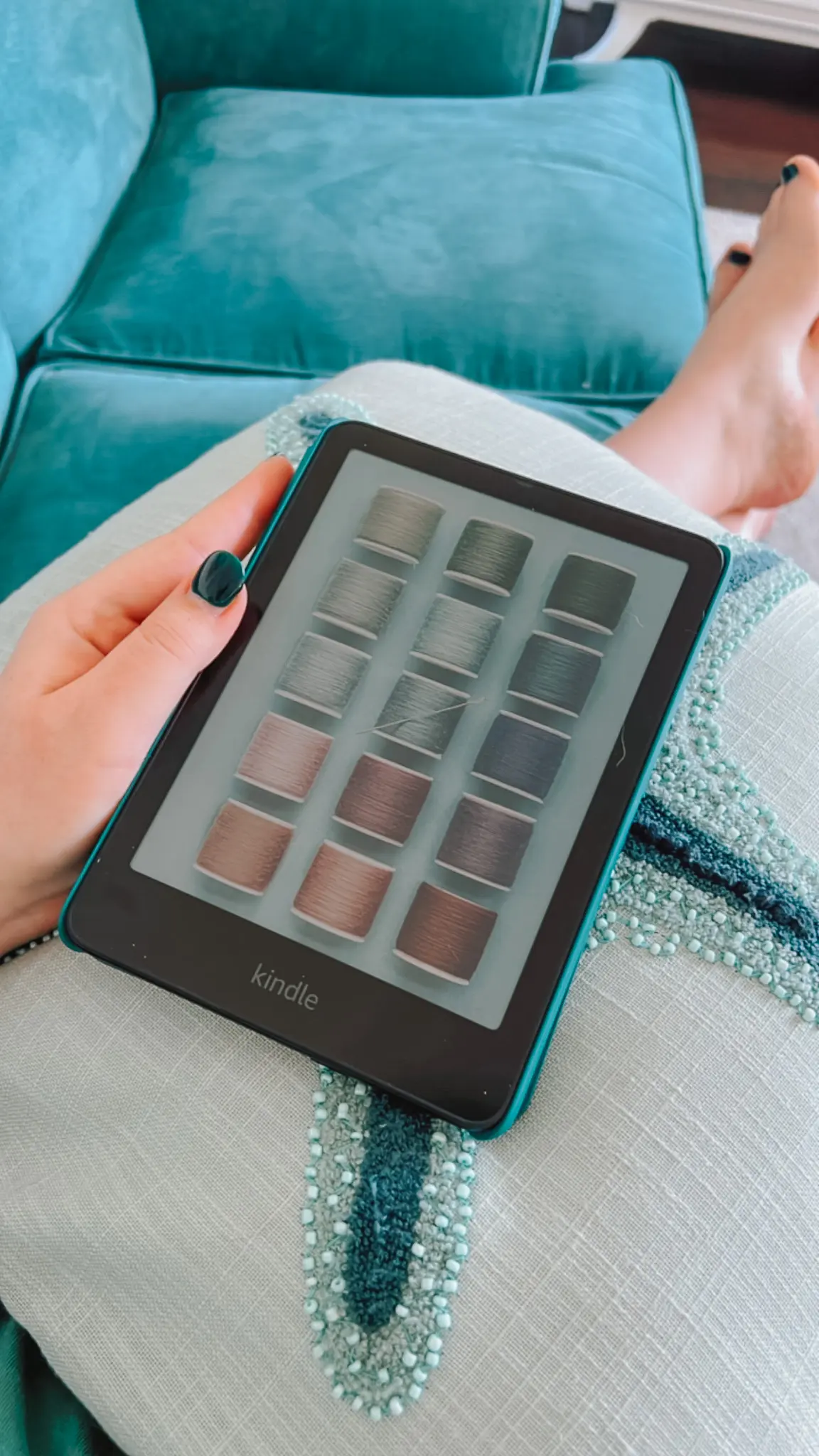
It’s a little thing, but having book covers in color, color-coded highlighting, and color images where they exist just elevate the reading experience that much more.
Kindle Unlimited & Colorsoft: A Reader’s Perfect Match
As mentioned above, Kindle Unlimited is a great addition to the Colorsoft (or any Kindle). I have a full write up and review of the subscription service here if you want to dive deeper into the benefits of Kindle Unlimited.
In short, Kindle Unlimited (also known as KU) is a subscription service from Amazon for ebooks, audiobooks, and magazines. The KU catalogue is vast, and it is updated regularly with new releases. With the subscription, you can seamlessly download a whole host of ebooks right to your Kindle.
With KU, you can read magazines on Kindle and take advantage of a library of audiobooks (without an Audible subscription).
Click here to try Kindle Unlimited free for 30 days!
Kindle Colorsoft Accessories I Recommend
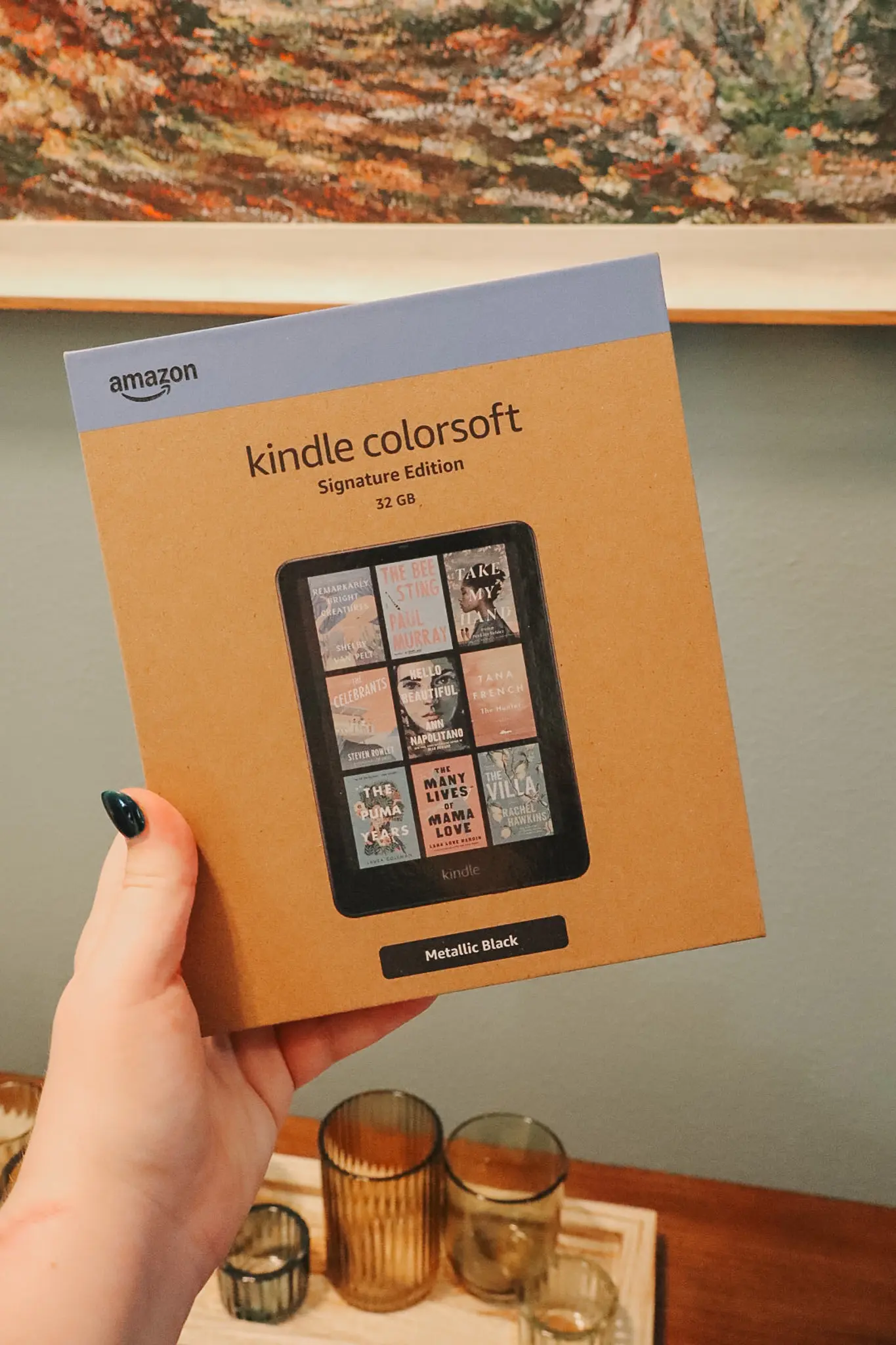
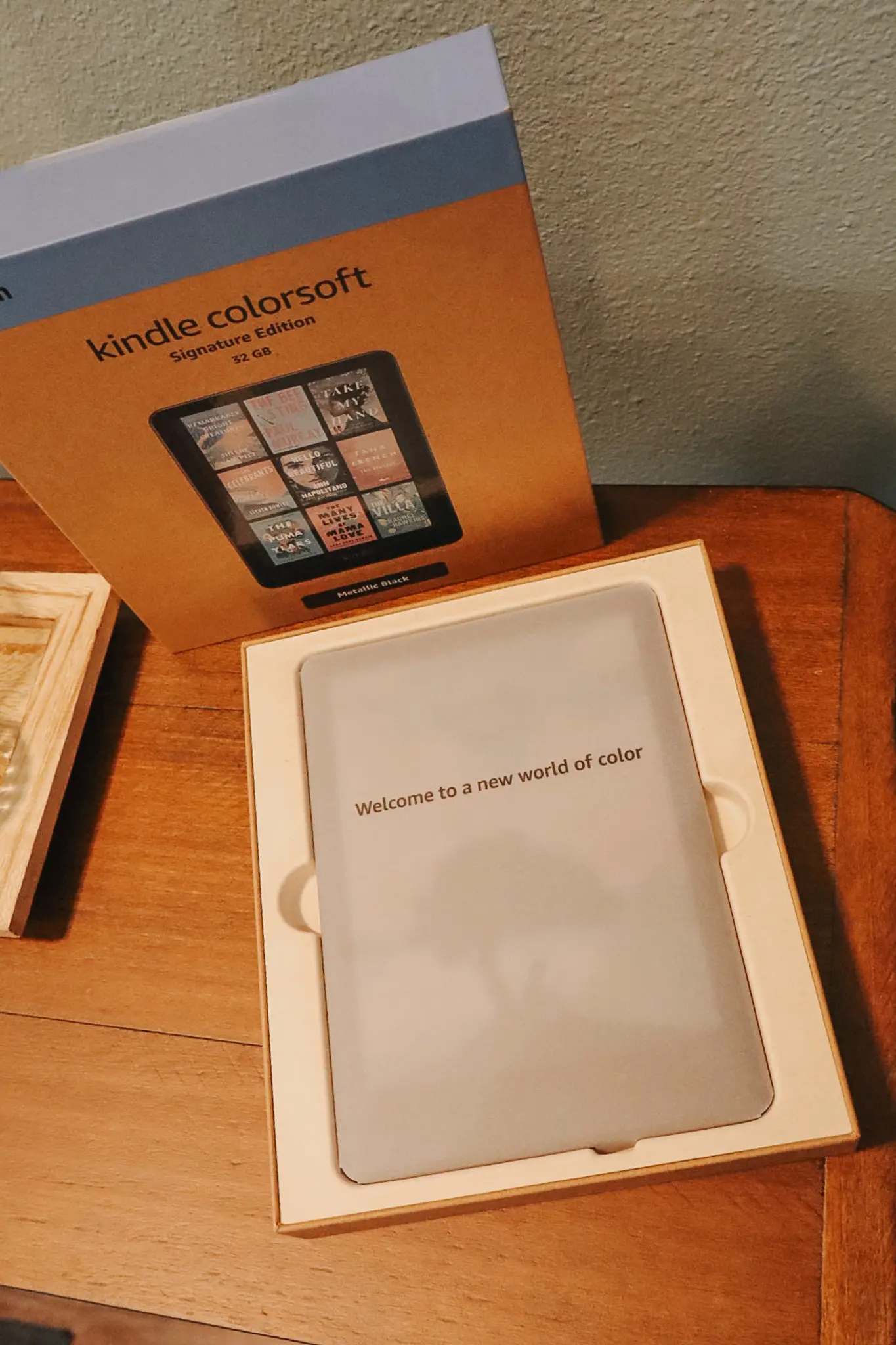
Personally, I opted for this Kindle Colorsoft Signature Edition Essentials Bundle and I cannot recommend it enough. Here are some other accessories I recommend for your new Kindle:
- A Protective Case – I like my folio style, but this simple clear case is also a great option (especially if you want to decorate yours with stickers!).
- Wireless Charging Dock — If you’re all about convenience, this sleek wireless charger is a smart upgrade. Just dock your Kindle and let it charge — no cable fumbling required. Great for nightstands or workspaces.
- Stylus for Highlighting & Note Taking – These just make everything on e-readers (and phones) easier on your wrists.
- Screen Protector — If you opt for a non-folio style case, I recommend a screen protector like this, especially if you’re going to be tossing it in your bag often.
- Cute Stickers & Decals — Dress up your Kindle with cute stickers for a fun, personalized feel! These are fun to collect from your favorite indie bookstores, or you can check Etsy for some great options.
Kindle Accessories & Bookish Essentials
Final Thoughts: Is the Kindle Colorsoft Worth It?
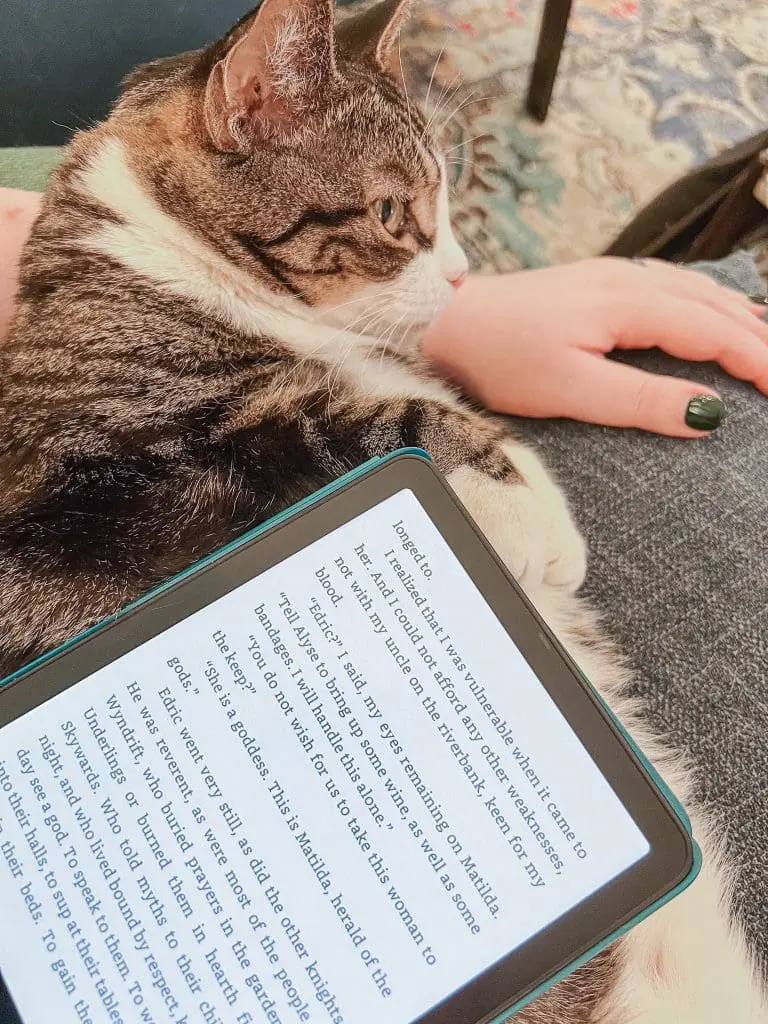
For the avid reader and book lover, I believe that the Kindle Colorsoft is absolutely a worthwhile upgrade.
While it isn’t necessary for every reader, the elevated features of the color screen and highlighting certainly add to the reading experience. If you want to save some money and you don’t care about the color, then go with the Paperwhite Signature and I think you’ll be thrilled with your choice.
However, if you are a long-time Kindle lover looking for a treat-yourself moment, the Colorsoft is perfect for you. I’m thrilled with the upgrade, myself, and I think you will be, too!
Ready to treat yourself to a more colorful reading experience?
Whether you’re in it for the book covers, color-coded highlights, or just the simple joy of a new device, the Kindle Colorsoft is a worthy upgrade for book lovers.
Shop the Kindle Colorsoft here!
Kindle Colorsoft Must-Haves
Reading is such a personal ritual, and the right e-reader can make all the difference.
If you’ve been thinking about trying the Kindle Colorsoft, I’d love to hear what’s tempting you — or what’s holding you back. Let’s chat in the comments!
The Latest Bookish Posts on Cats & Coffee:
- Everything I Read This Month: June 2026
- Kindle Unlimited Subscription FAQ: Is Kindle Unlimited Worth It?
- Shows to Watch if You Love Outlander
- 11 Great Rom Com Books to Read Next
- How to Use Poshmark: A Guide to Selling Clothes on Poshmark
*This post was originally published in May 2025. It was most recently updated on March 31, 2026.